Play music in the air with your bare hands
or on the glass of your iPhone and iPad
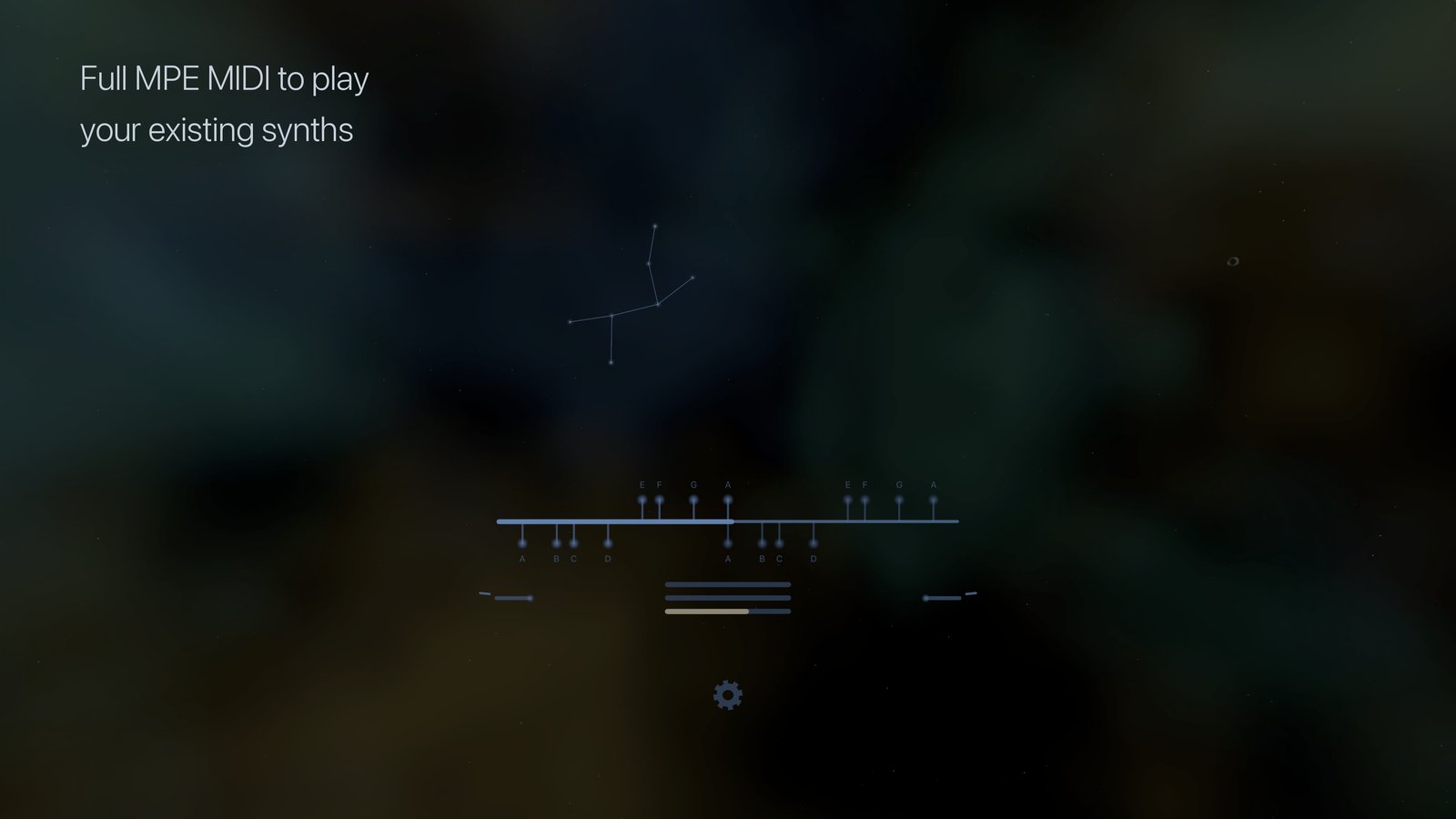
Glinster is a musical instrument and MIDI controller for Apple Vision Pro that you play with your bare hands in the air. Touching your thumb to a fingertip plays a note and releasing it stops the note, turning your palm reaches the rest of the scale, and while a note plays you raise your hand to make it louder, push forward to make it brighter, and move sideways to bend the pitch. Your other hand shifts the pitch by semitones and switches the octave. When you pause, the last notes you played hang above the ruler for a moment as a small constellation, and on the glass they stay behind where your hand lifted.
Glinster also runs on iPhone and iPad, where you play it on the glass: it measures your hand once and then places the notes where your fingers rest. Both versions use the same sound engine, the same scales, and the same MPE MIDI output.
Coming soon
Glinster is in beta, so if you want to try it, get in touch.
NOTE: The built-in sound engine is intentionally simple, with five fixed sound presets that you play rather than patches that you edit. Glinster is at its best as an MPE controller for the synths and plugins you already have, over its virtual MIDI port, over Bluetooth, or directly into your DAW.
On Apple Vision Pro
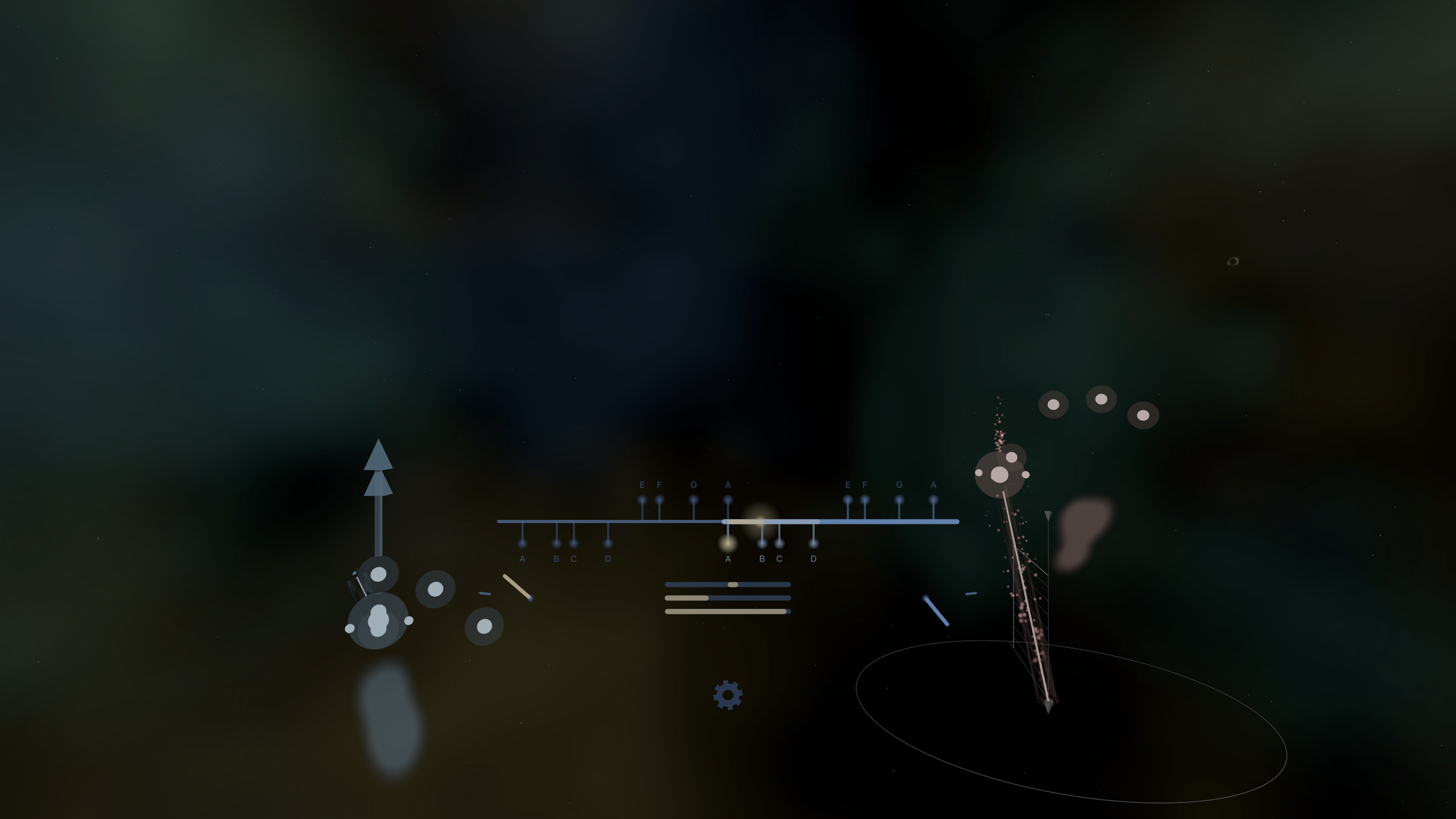
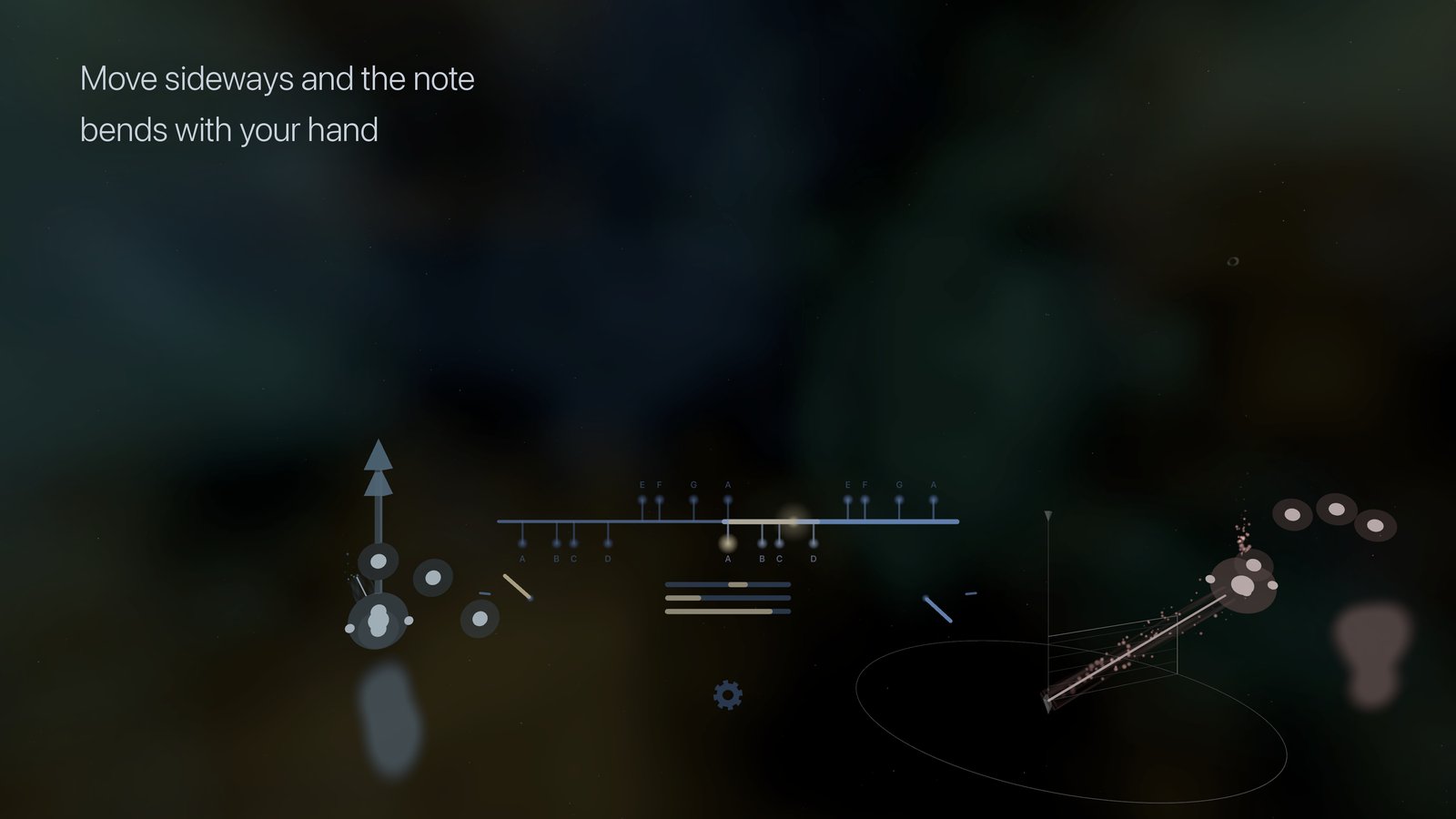
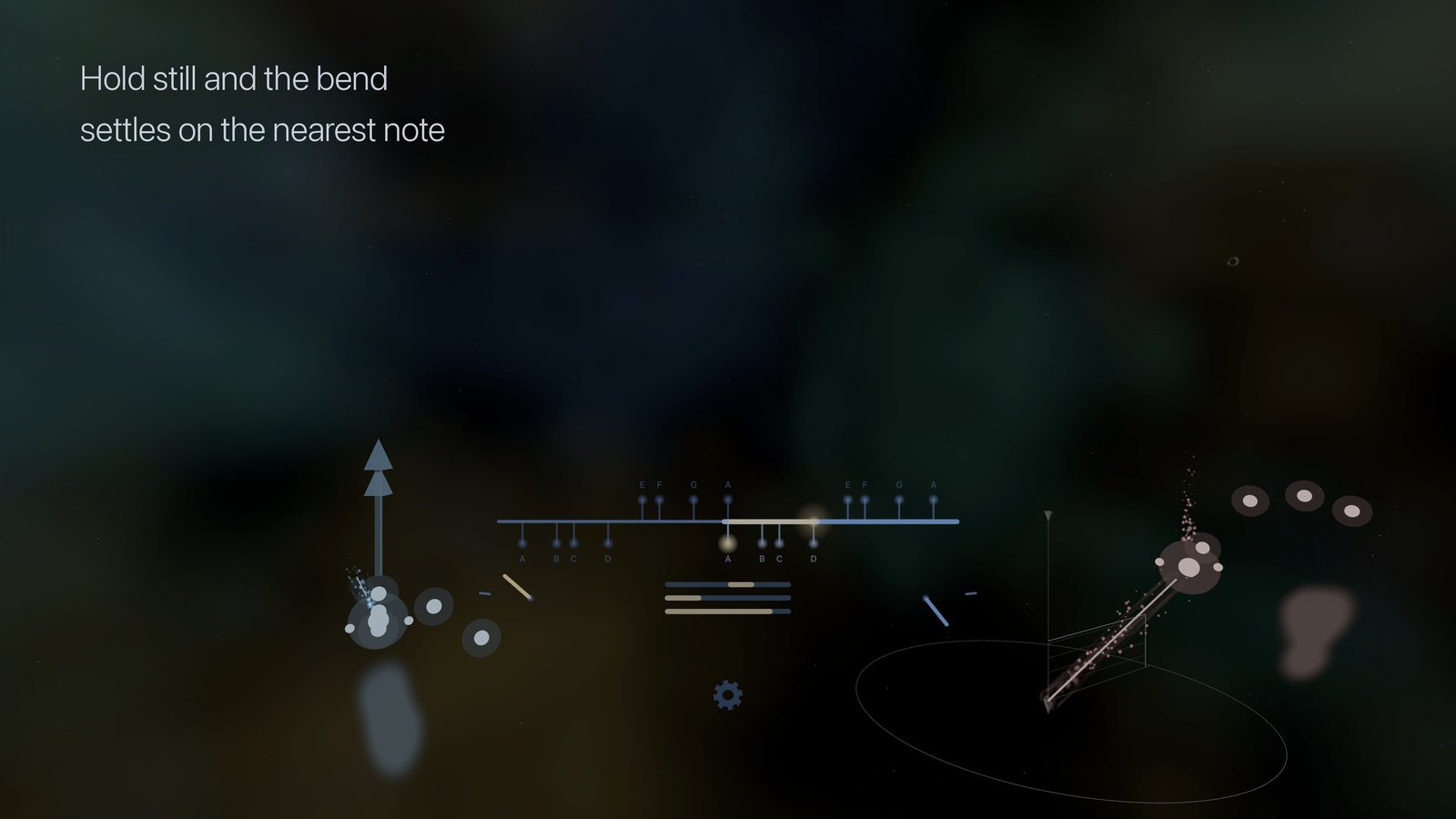
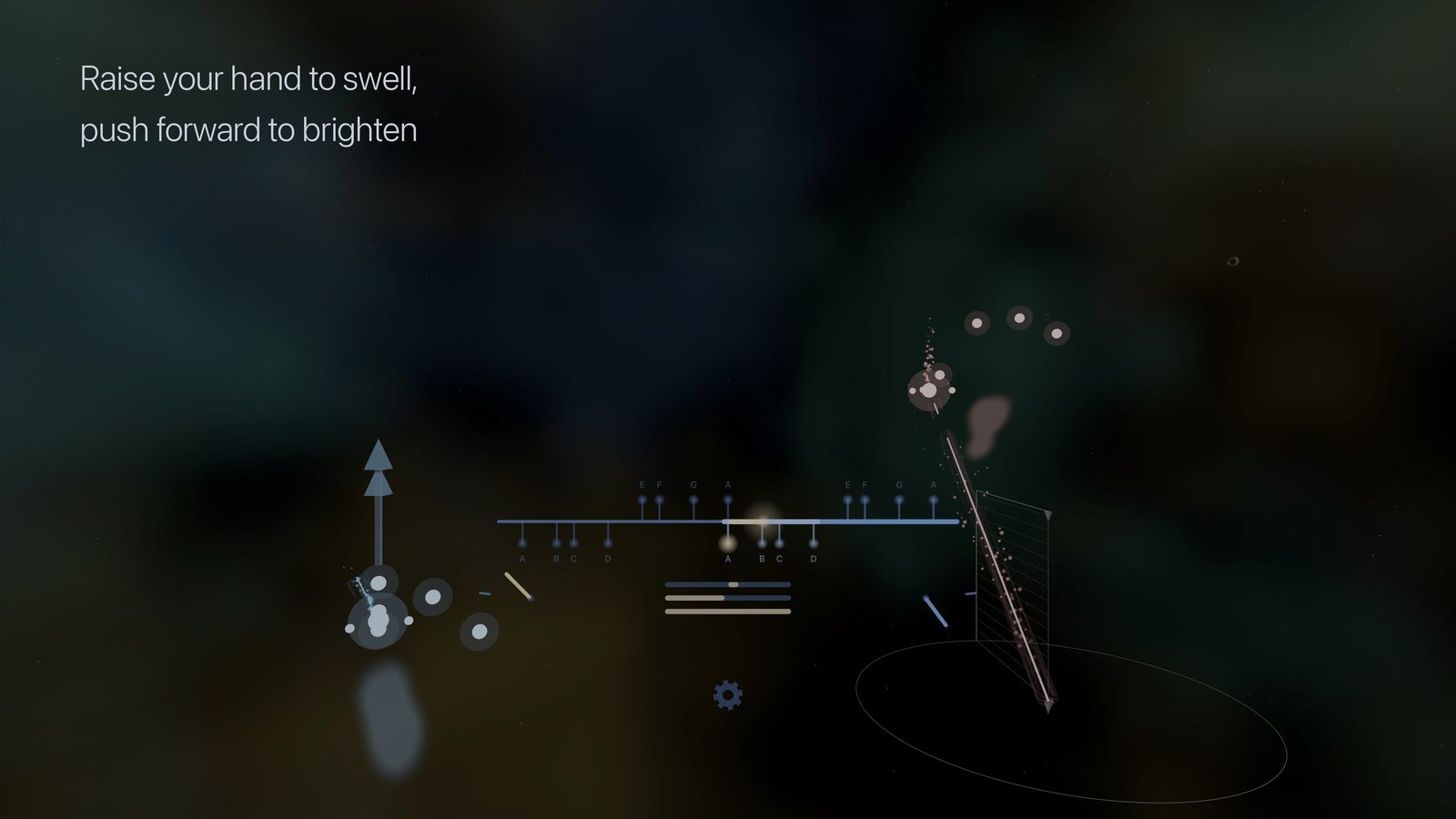
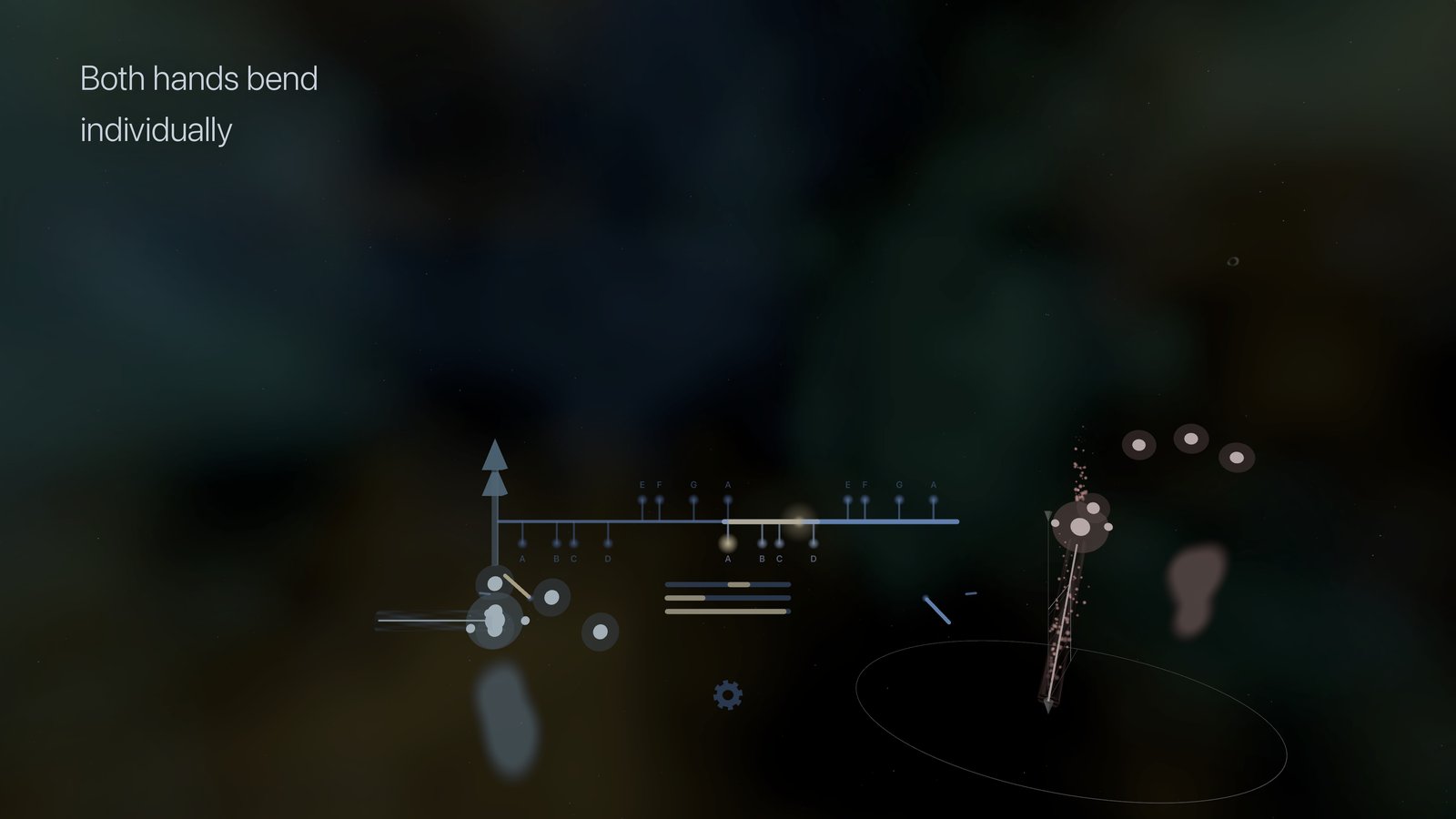
Glinster tracks both of your hands, so you don't need to look at anything while you play. A ruler floats in front of you and shows which note is sounding, how far it is bent, and the angle of each palm, and the first note you play places an expression sphere around your hand, after which the position of your hand inside that sphere sets the volume and the brightness.
- Touching your thumb to a fingertip plays a note and releasing it stops the note, with each fingertip playing one note of the scale: palm down plays the lower four notes and palm up plays the upper four
- The order of the notes mirrors when the palm turns, so that rolling your hand over continues the scale in the same direction
- Turning your palm while a note plays glides that note to the new pitch instead of stepping
- Moving sideways bends the pitch, and both hands can bend at the same time
- Raising your hand controls the volume and pushing forward controls the brightness, with positions in the sphere being absolute, so the same place always gives the same sound
- Pinching a left-hand fingertip shifts the pitch by a semitone or a whole tone up or down, mirrored when the left palm turns, and turning the left palm over raises everything by an octave
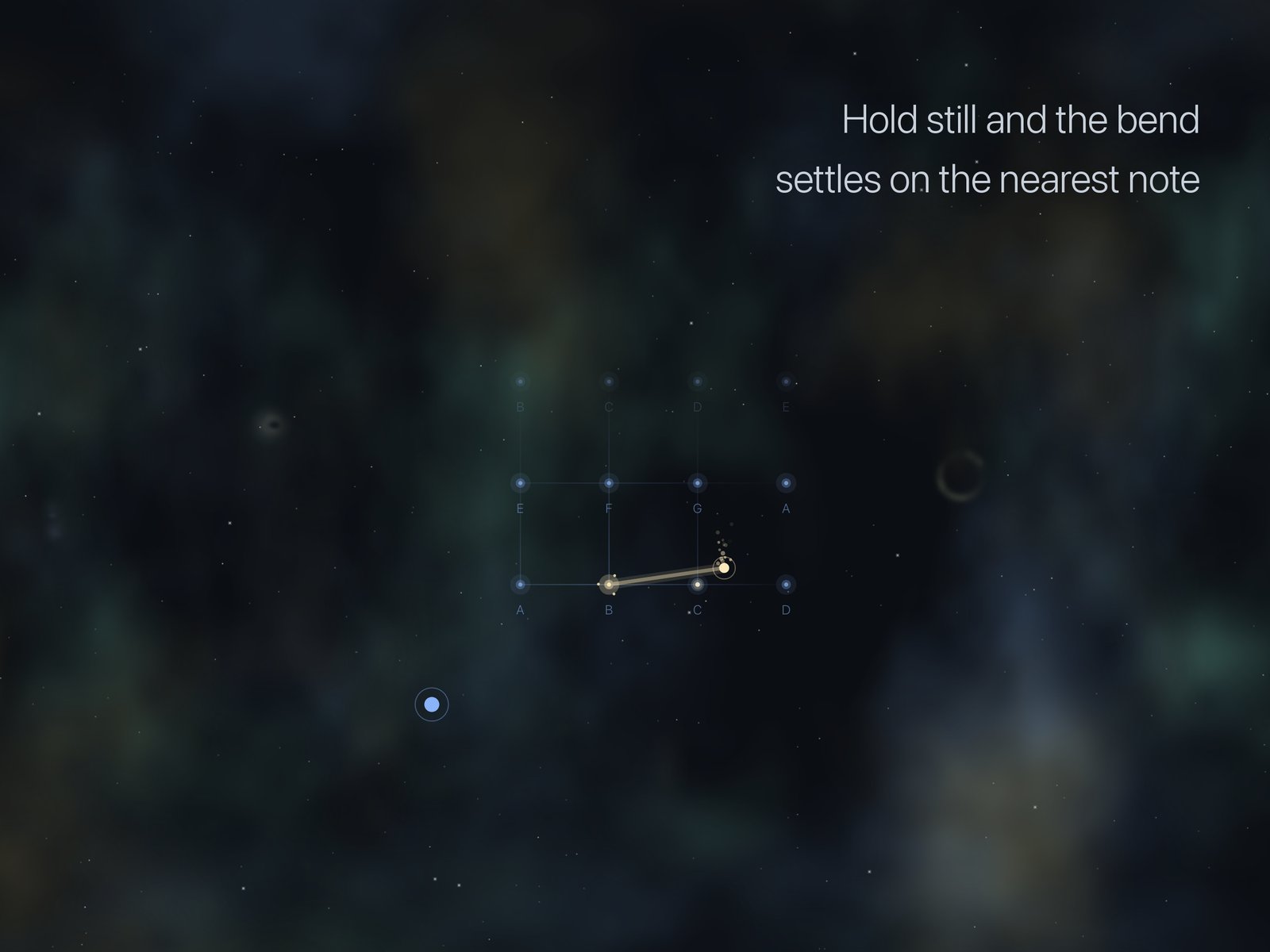
- Pitch Quantize locks a bent note onto the nearest scale note when you hold it still, and releases it again as soon as you move
- Note names and highlights on the ruler, each switchable, and a palm flip setting that tunes where palm down becomes palm up for your own hand
- The settings open with a held pinch on the gear, and the instrument only mutes while you touch the panel
- A tour that watches you perform each gesture before it moves on to the next one
- Left-handed play, or one hand only
On iPhone and iPad
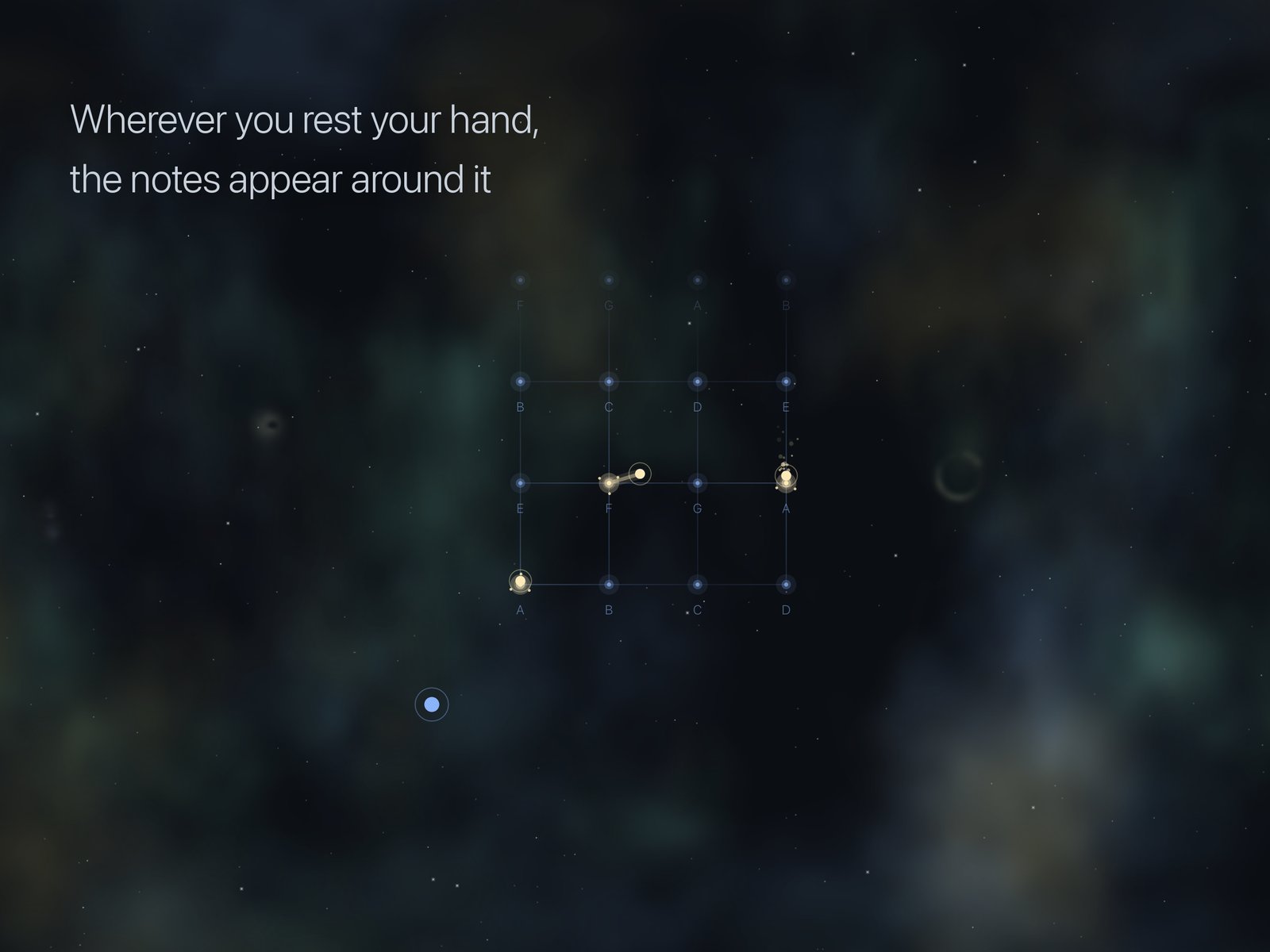
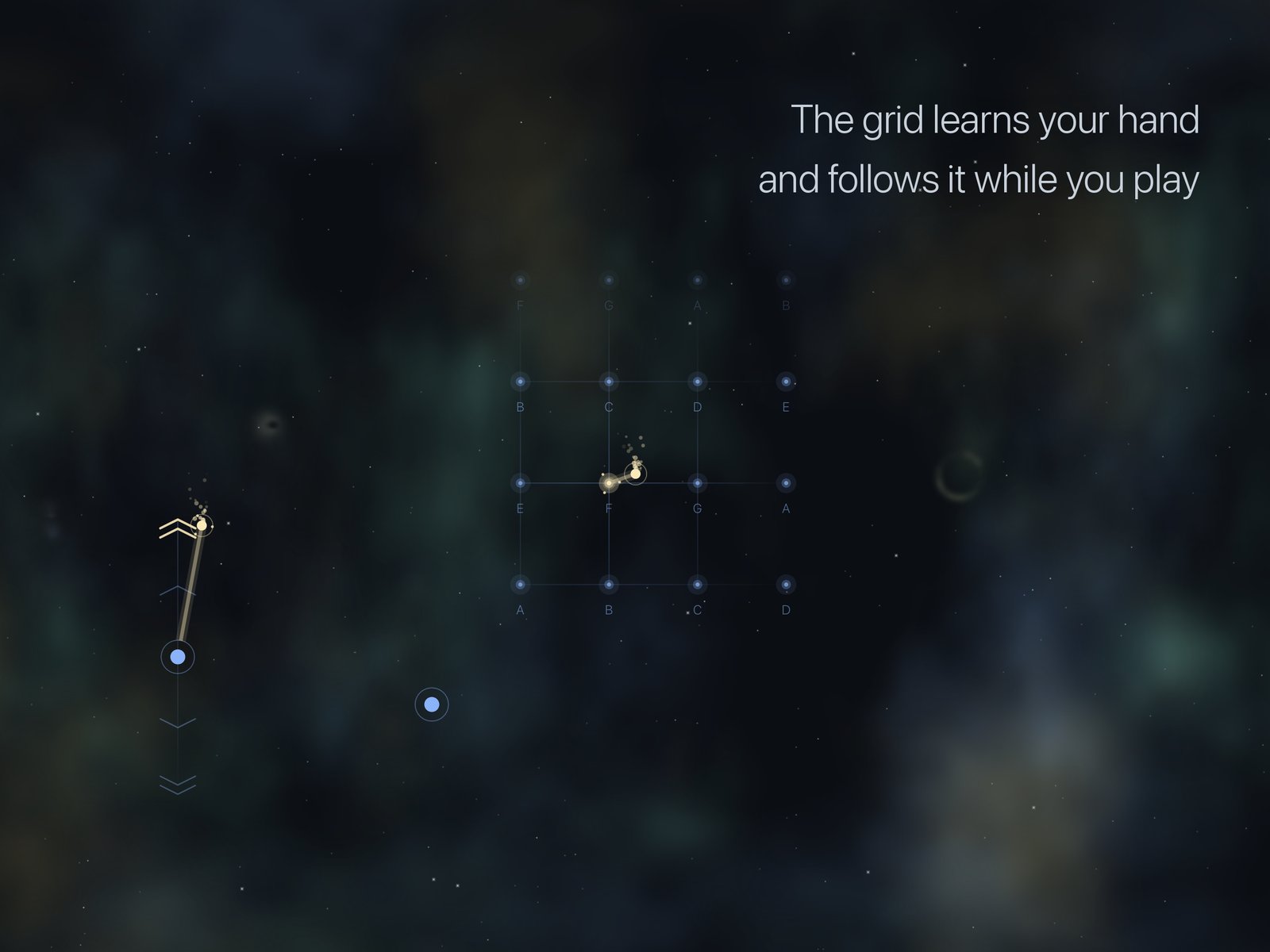
Glinster measures your hand once, by having you rest your playing hand flat and then reach up, and it records where your fingers land. After that, wherever you put your thumb the notes appear beside it, and the grid keeps following your hand while you play.
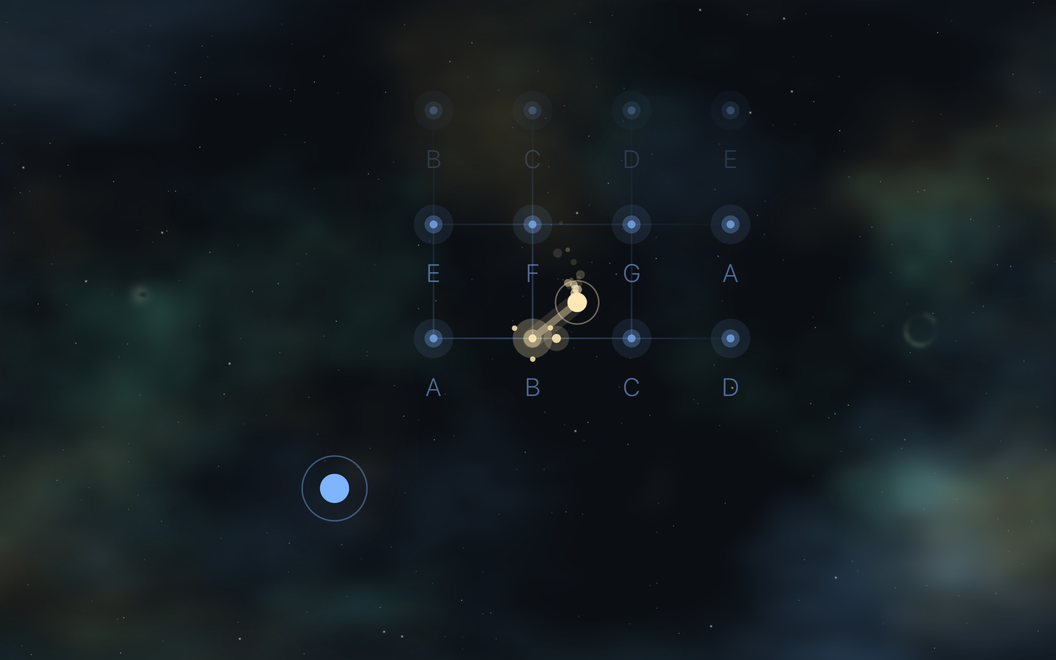
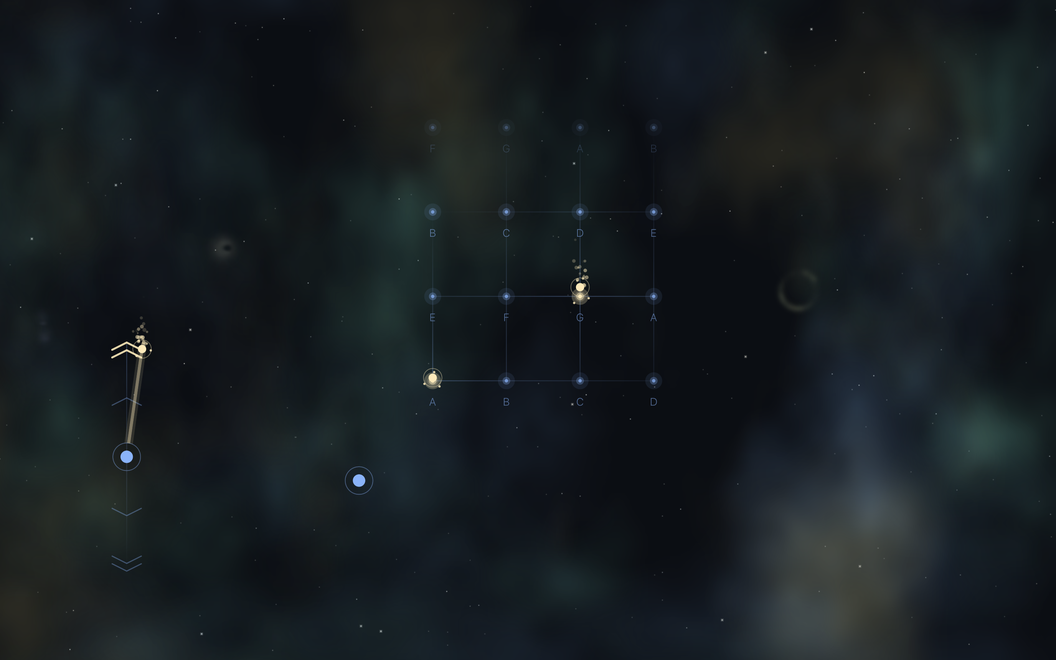
- Your four fingers on the resting row play the first four notes of the scale, reaching up plays the next four, and on a screen with room above, more rows continue the scale upward
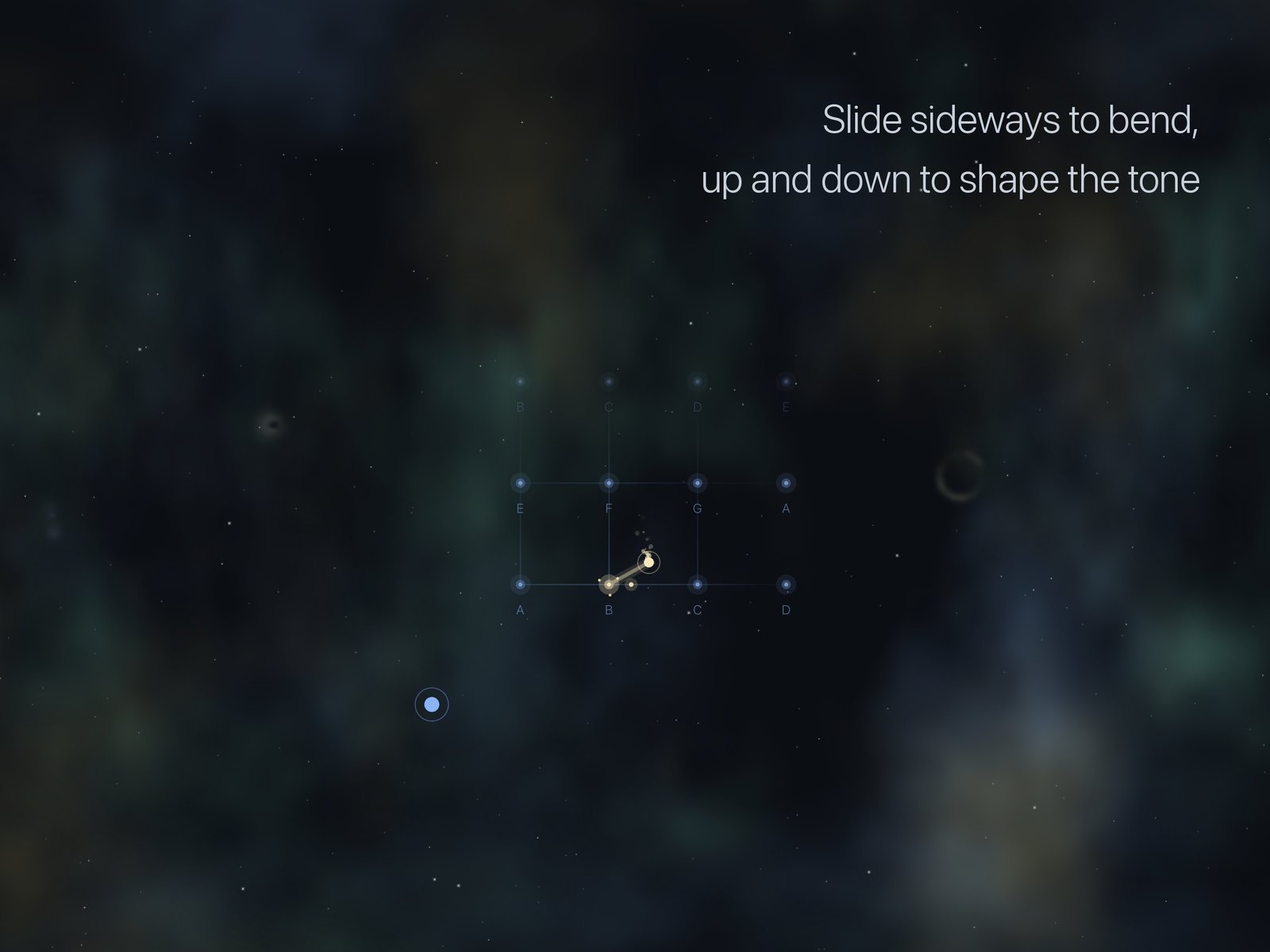
- Sliding a playing finger sideways bends the pitch and sliding it up and down changes the brightness, while sliding your thumb up and down controls the volume
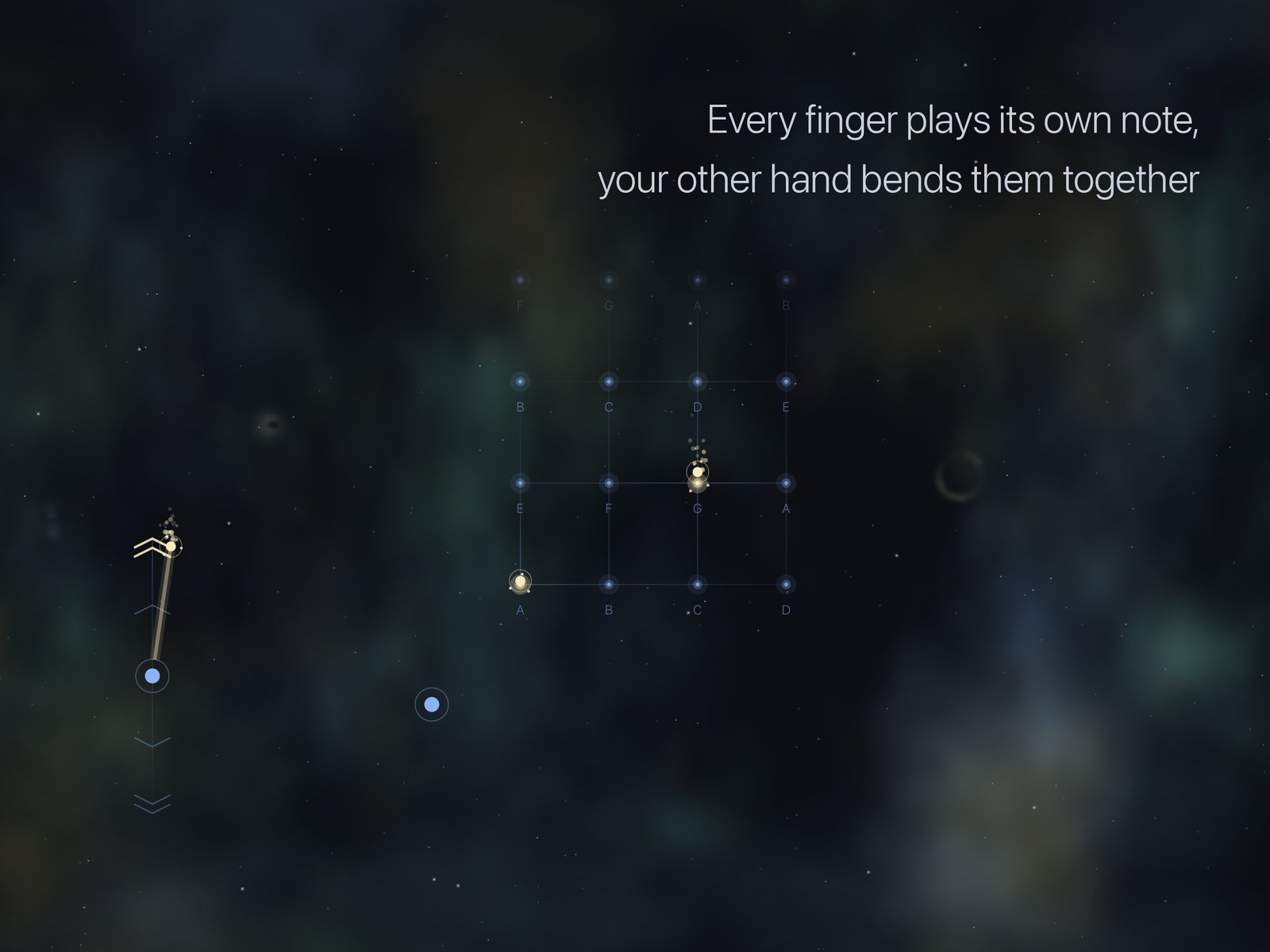
- Touching a new finger while another one plays lets the new one take over, with a glide instead of a new attack, with Mono on, or every finger plays its own note, each with its own bend and brightness, and the MIDI follows as one MPE note per finger
- Resting a fingertip of your other hand next to the notes brings up the arrows, where one step up shifts a semitone and two steps an octave, the same below, and every arrow can be held together with the others
- A finger on the arrows can slide between them, or wiggle sideways for vibrato, and sliding the resting fingertip sideways bends every note like a pitch wheel
- Pitch Quantize works the same as on Vision Pro
- Haptic feedback on every note and every arrow, switchable, and note names on the grid
- Left-handed players are detected from the way they rest their hand
- Runs as an AUv3 instrument and as a MIDI generator inside your iOS DAW
- A guided first start that shows every gesture on the instrument itself
Sound and MIDI
- Five sound presets: Aether, Ember, Fathom, Rime and Pillar
- Room, Shimmer, Glide, Response, Cutoff and Resonance
- Sixteen scales, from the seven modes to the blues, Whole tone and Double harmonic, and twelve roots, with a reference pitch from 432 to 446 Hz
- An octave setting that moves the whole instrument two octaves either way, so notes above and below what your hands span stay within reach
- MPE MIDI output that assigns a new channel to every note so that release tails don't get cut off, with the number of member channels your choice, or single-channel output, and a Send MCM button to repeat the MPE configuration for a receiver that started late
- Volume and brightness sent as channel pressure, CC 7, CC 11, CC 74 or CC 1, and a pitch bend range of 2, 12, 24, 48 or 96 semitones
- A virtual MIDI source, direct output to the MIDI port of any app, Bluetooth LE MIDI in both directions, and Apple's network MIDI session, so a session made in Audio MIDI Setup on a Mac can connect straight to the device
- Records takes as lossless 32-bit float WAV files, and plays them back in the app with the instrument still live, so you can play along with one